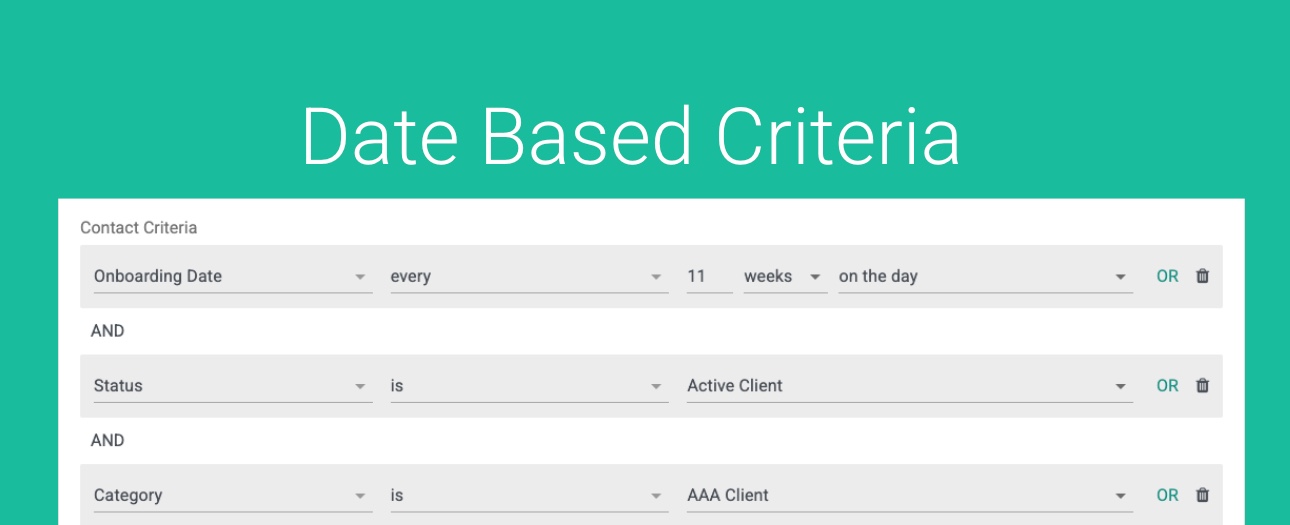
GReminders lets you leverage your contacts in CRM to automate a variety of emails/SMS notifications to Clients around various actions. Common use cases include:
- Asking for Annual Review Meeting
- Sending Birthday or Anniversary Wishes
- Sending a notification when someone hits a certain age, such as age 50 for 401k catch up contributions, etc…
- When a client reaches a certain financial age milestone
These “lists” require us to “filter” the contacts we want to send to. Contacts in a certain status, category, tag group etc….
Often this criteria includes “date/calculated” Fields. Here we will discuss how date/calculated fields can be leveraged for building lists with specific use cases.
Sending on their Birthday:

Sending 1 day prior to their Birthday:

Sending on their 50th birthday:

Sending 1 week after they turn 50:

Assuming you have a field that represents when you need to reach out to them for their next review. Sending on their Next Review Date

Assuming you have a field that represents their “Onboarding Date” (when they became a client) and you want to meet with then every 6 months:

Putting it all together with your Active Clients, “Triple A” Clients, you want to meet every 11 weeks since they become a client:
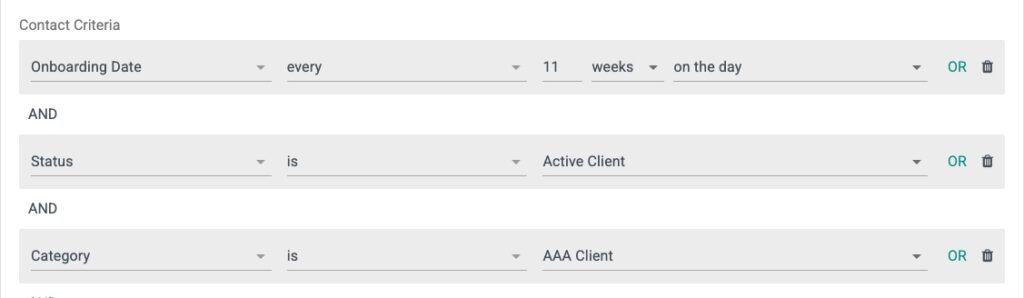
You can put together various criteria using AND / OR operators to build your list.
Remember you can Preview all your Contacts prior to sending them.
Use this in conjunction with Ongoing Automation to continue to send until they Book a Meeting (assuming this is your primary Call To Action).
We are here to help. If you need help please contact [email protected] OR enlist our dedicated onboarding team to help build these out for you.
Happy Scheduling.