Look & Feel (Organization Level)
You can set up the default look of your scheduling and routing pages for your organization under Look and Feel. This includes:
You can set up the default look of your scheduling and routing pages for your organization under Look and Feel. This includes:
Discount codes are used when you integrate GReminders with a payment service. Discount Codes can be accessed by Global Administrators by going to Setup and under Advanced you will see the section titled Discount Codes. Several options are available, and you should refer to our help articles to learn more.
Under Setup are general settings, which allow administrators on the account to control settings for the entire organization. For example, the admin can override notification settings, specifying specific phone numbers or email addresses to receive notifications. Other basic settings can also be determined for the organization here.
Administrators on your GReminders account can access each user’s account in order to help with setting up the program. If you do not wish to allow personnel with administrative access on your account to view your calendar events, it is possible to hide them. #1 Hiding Your Events at the User Level If you are […]
GReminders has different licenses for different use cases. When you purchase Scheduling or Notetaker Unlimited License(s) you will decide who those licenses should be assigned to. To apply these Licenses you need to be an Administrator. Go to Setup > Users From here you can apply licenses at the user level, or use the checkboxes […]
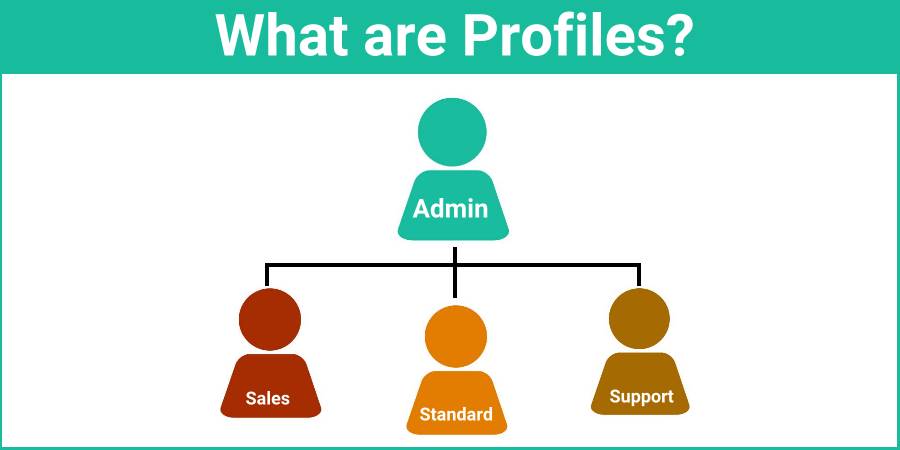
Administrators can set up profiles for the account. This is where permissions and access to features for each profile are determined. After setting up a profile, they can be assigned to users on the account.
Profiles are a set of users who share similar “Functions”. Profiles control which Features and Permissions those users have access to in GReminders. Think of them as “Permission Profiles” or “Security Profiles”. Profiles allow you to easily apply permissions and functionality to a number of users with just a few clicks. You can think of […]
Best Practices for More Accurate, Context-Aware AI Outputs The Knowledge feature in GReminders is designed to give your AI the context it needs to operate like your firm – not a generic model. Instead of relying on assumptions, the AI uses what you define here to generate more accurate, consistent, and tailored outputs across meeting […]
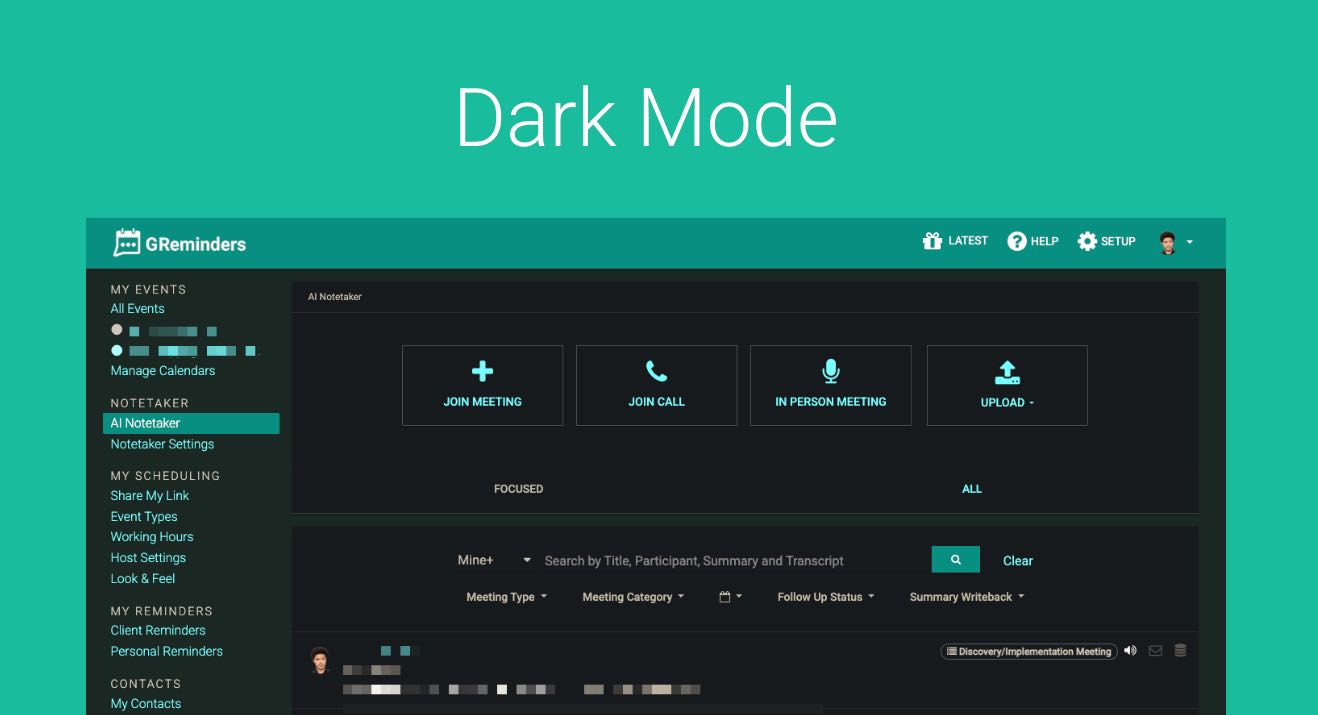
Some folks really like “Dark Mode” which is a black background instead of white. This sometimes helps with screen fatigue. Since GReminders doesn’t currently have a native “Dark Mode” toggle, we highly recommend using the Dark Reader Chrome extension. Here’s why it’s our top choice and how you can set it up to make your […]
Overview GReminders offers a direct, native integration with Redtail CRM, a leading customer relationship management platform tailored for financial advisors. This integration streamlines scheduling, reminder automation, and data syncing, allowing advisors to save time, reduce no-shows, and enhance client engagement. As a new hire at GReminders, understanding the integration settings is critical to assisting users […]